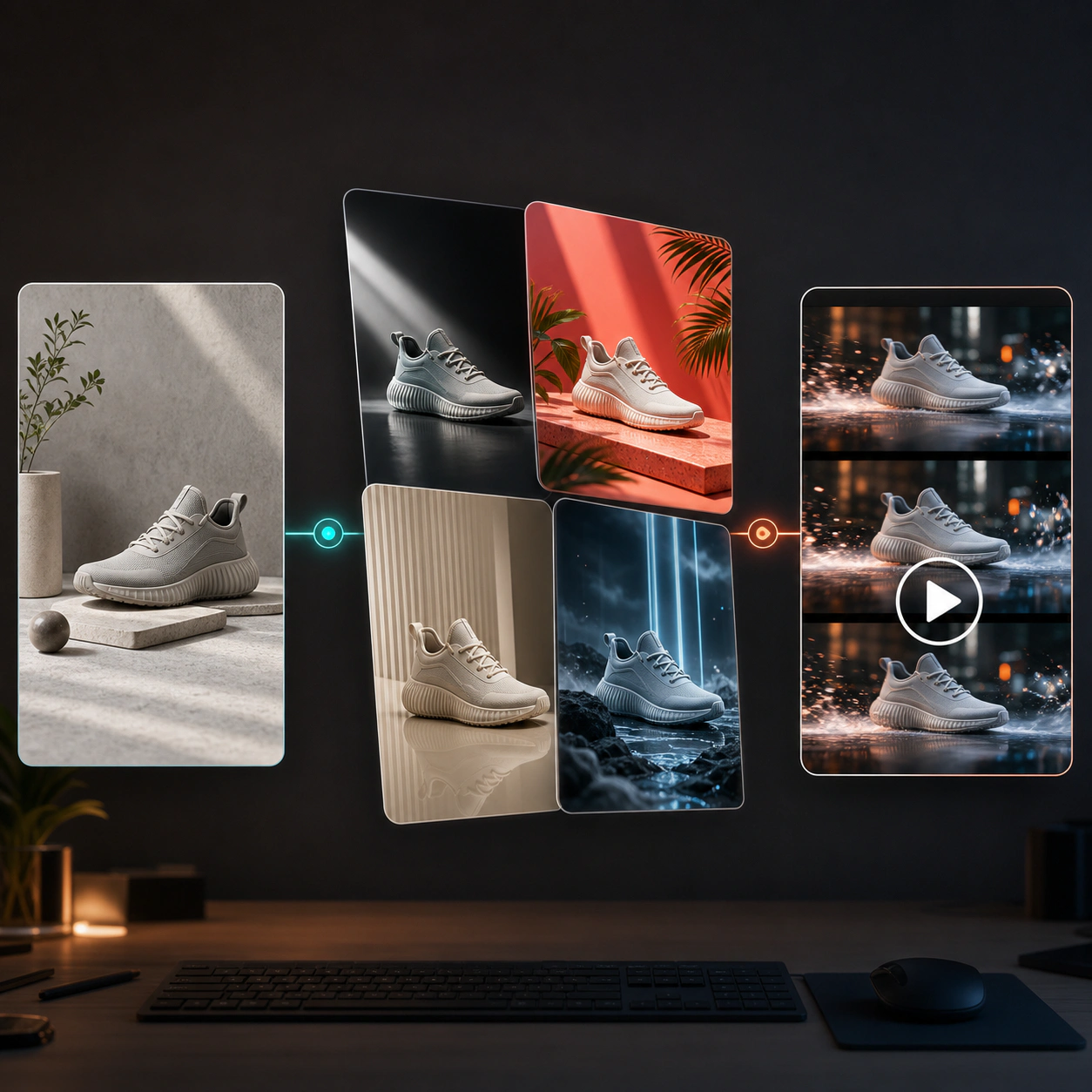
AI-Powered Image Upscaling
Increase image size while preserving structure, improving clarity, and reducing the soft look of low-resolution files.

Increase image resolution, recover fine details, and make low-quality visuals look cleaner with AI. Upscale product photos, portraits, artwork, social posts, and brand assets for professional use.
Use AI image upscaling to turn small, blurry, or compressed images into clearer high-resolution assets. Improve detail, sharpness, and usability without rebuilding the image from scratch.
Increase image size while preserving structure, improving clarity, and reducing the soft look of low-resolution files.
Recover sharper edges, richer textures, cleaner product surfaces, and more readable visual detail.
Improve images affected by compression, resizing, screenshots, old exports, or weak source quality.
Make ecommerce photos, catalog images, hero banners, and marketplace assets cleaner and more presentation-ready.
Enhance portraits, illustrations, digital art, and creative images while keeping the original visual direction intact.
Upload an image, choose settings, and generate a sharper version for marketing, design, printing, or publishing.
Use AI upscaling to upgrade existing visuals, rescue older assets, and prepare images for channels that require higher quality.
Improve product images for PDPs, marketplaces, catalogs, hero sections, and ads where clarity directly affects trust and conversion.
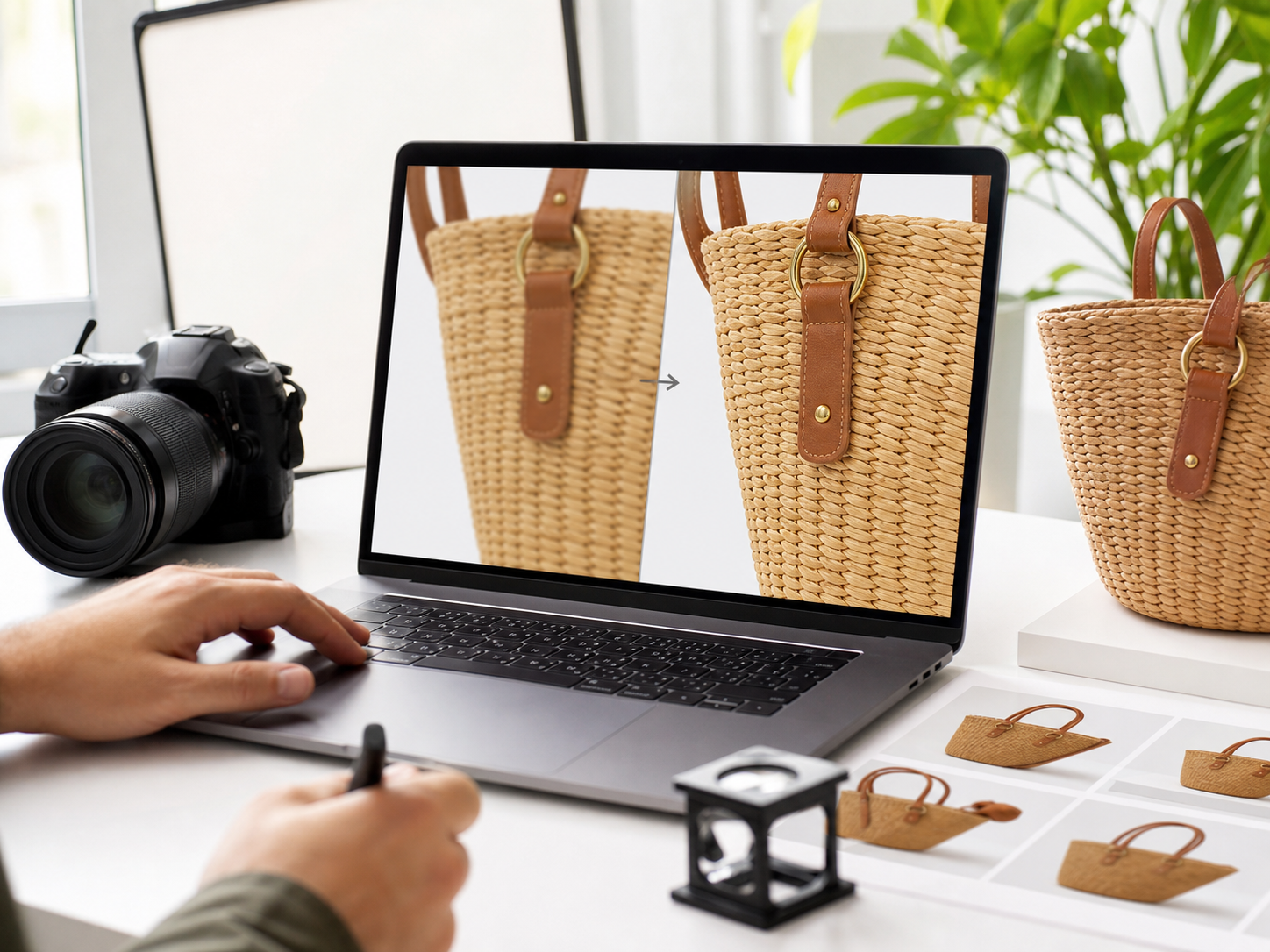
Make older campaign visuals, compressed social graphics, and legacy brand images usable again for modern layouts.
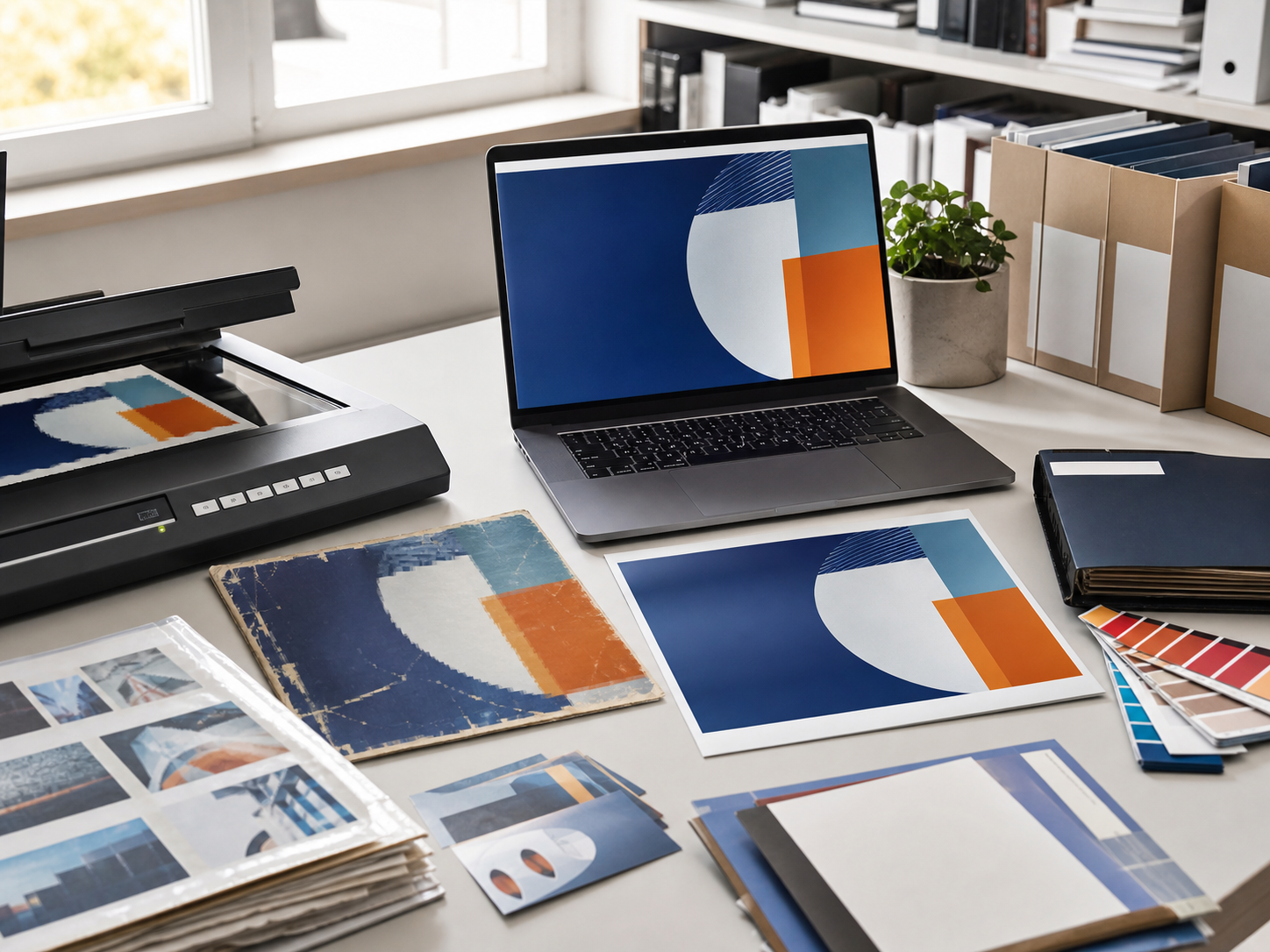
Increase clarity for portraits, illustrations, thumbnails, posters, and social media images before publishing or sharing.
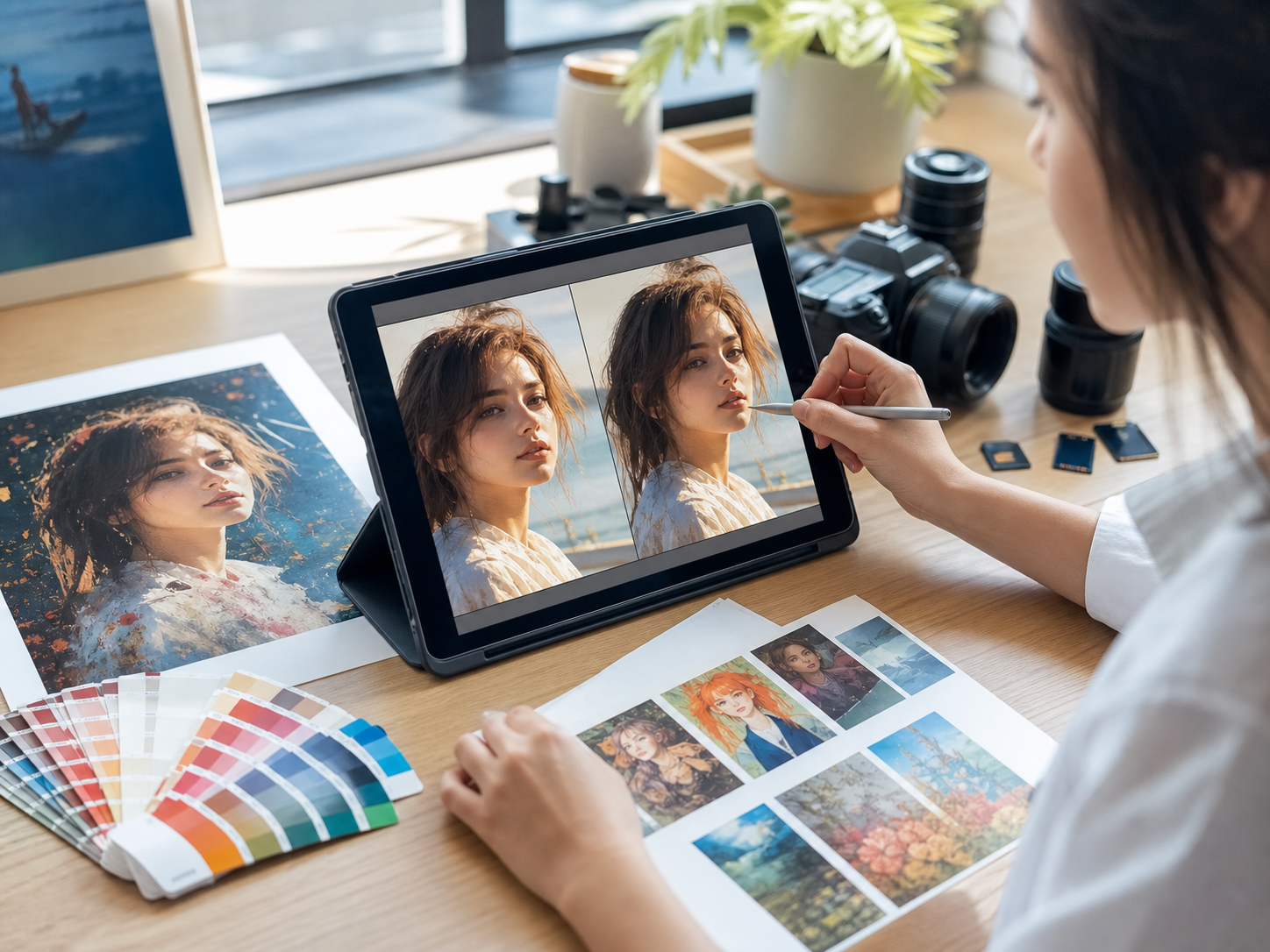
AI image upscaling is simple: upload a source image, choose output settings, generate a sharper version, and use it across your creative workflow.
Start with a product photo, portrait, illustration, screenshot, social image, or any low-resolution visual.
Select model, resolution, aspect ratio, and output count based on how you plan to use the final image.
Let the AI upscale the image, improve detail, and create a cleaner high-resolution result.
Check texture, edges, faces, product surfaces, and fine details to make sure the result fits your use case.
Use the upscaled image for product pages, ads, social posts, presentations, print layouts, or brand archives.
AI Image Upscaler helps teams improve existing visuals and prepare images for higher-quality publishing, commerce, and design workflows.
Upscale product photos for detail-rich product pages, catalogs, marketplace listings, and promotional banners.
Make small or compressed social visuals clearer before using them as posts, covers, thumbnails, or ads.
Improve clarity for profile photos, creator portraits, team images, and personal branding assets.
Increase resolution for digital art, posters, concept images, and illustrations while preserving visual style.
Prepare images for decks, documents, posters, event materials, and large-format design work.
Refresh older, compressed, or low-resolution assets so they can be reused in new campaigns.
Answers to common questions about image upscaling, resolution, detail enhancement, source quality, and professional use.
An AI Image Upscaler is a tool that increases image resolution and improves visual clarity using AI-powered detail enhancement.
Yes. AI can enlarge low-resolution images and improve perceived detail, though final quality depends on the source image and settings.
Images with a clear subject, enough visible structure, and moderate compression usually produce stronger results.
Yes. It is useful for ecommerce images, catalog assets, marketplace photos, product banners, and ad visuals.
AI upscaling can reconstruct and enhance detail, but it cannot perfectly recover information that is completely missing from the original image.
Yes. Upscaling can help prepare images for print layouts, posters, and presentations, but you should still review final resolution requirements.
The goal is to enhance clarity while preserving the original look, but some changes may happen depending on model and settings.
Use the highest-quality source available, avoid extremely tiny inputs when possible, choose the right output settings, and compare variations.
Image Preview