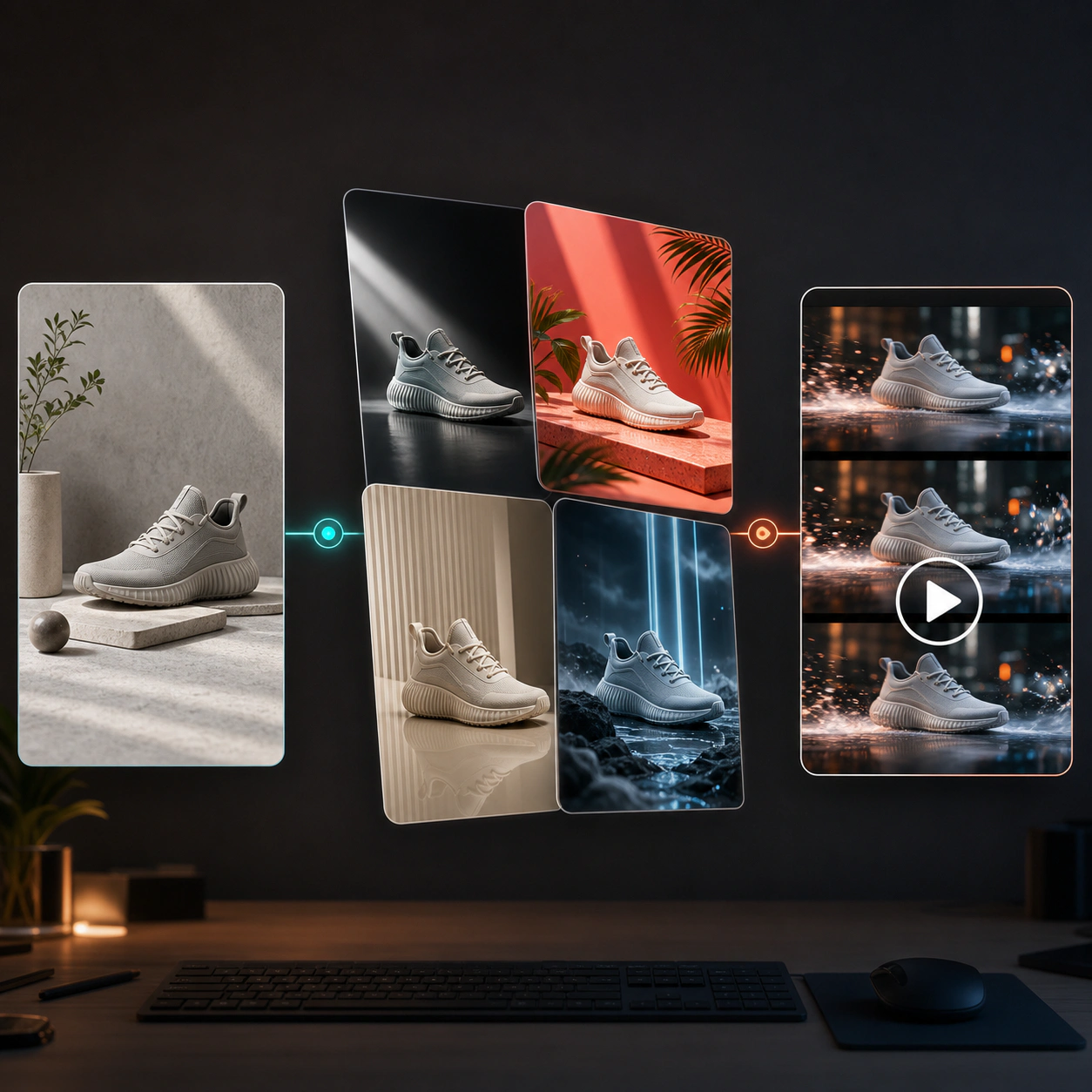
Prompt-Based Image Editing
Describe what you want to change, replace, enhance, or restyle, then let the AI editor apply the direction.
Edit images with simple prompts and AI-powered controls. Remove distractions, change backgrounds, restyle photos, improve product visuals, and create polished image variations without complex editing software.
Use AI image editing to move from raw photo to refined creative faster. Keep the parts you like, change the parts you do not, and create professional visual updates from an existing image.
Describe what you want to change, replace, enhance, or restyle, then let the AI editor apply the direction.
Replace dull backgrounds, create lifestyle scenes, adjust environments, and make images fit a new campaign context.
Improve product visuals with cleaner presentation, better lighting, stronger composition, and more polished creative direction.
Turn existing images into editorial visuals, cinematic scenes, illustrations, branded assets, or seasonal campaign looks.
Create multiple edited versions from one source image so teams can test more concepts without reshooting.
Upload an image, write an edit prompt, choose settings, and generate refined results for marketing or creative production.
Use AI image editing to upgrade existing visuals, adapt assets for new channels, and produce more campaign-ready image variations.
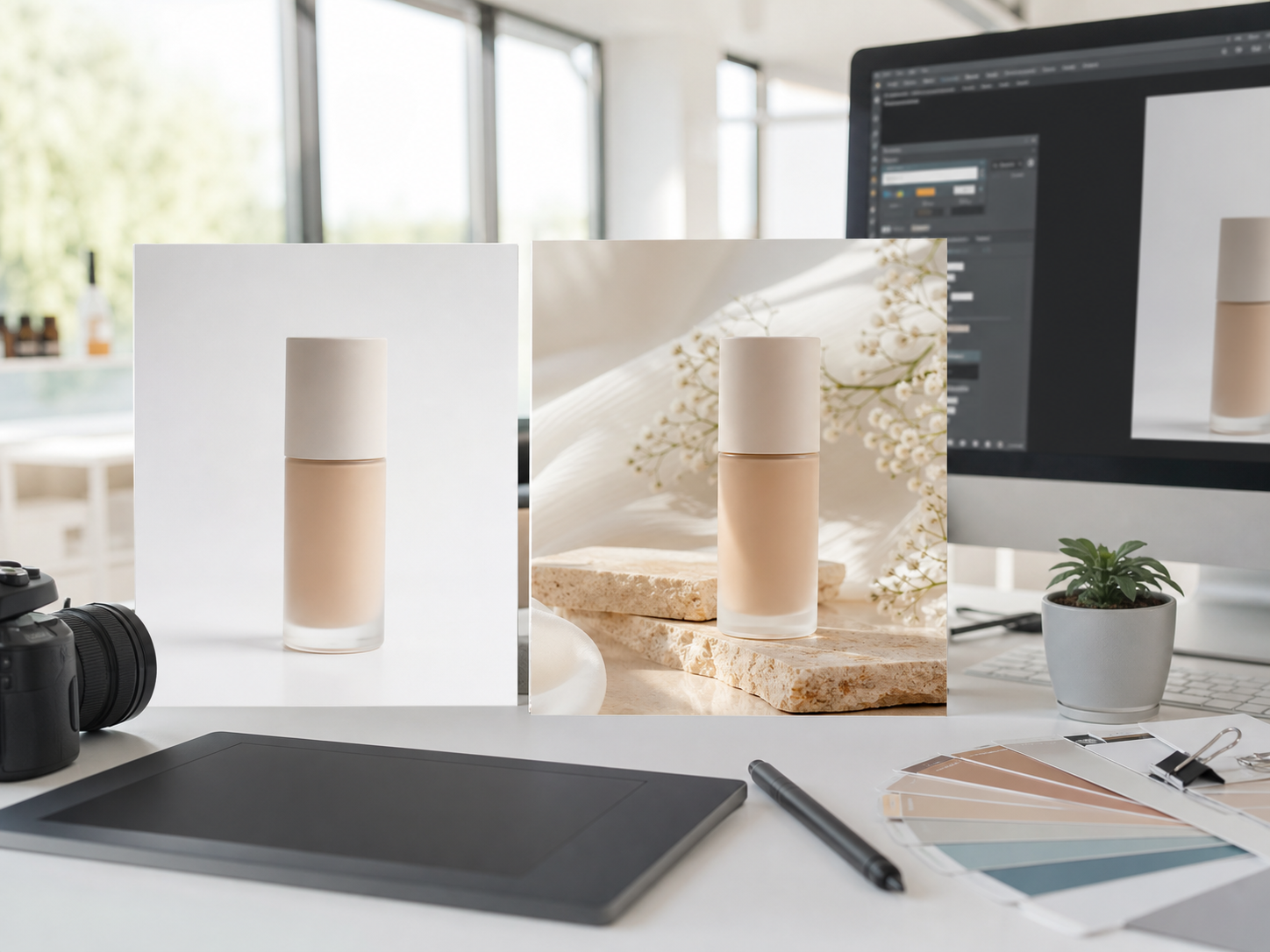
Transform basic product photos into clean ecommerce visuals, lifestyle scenes, or seasonal campaign assets while keeping the product recognizable.
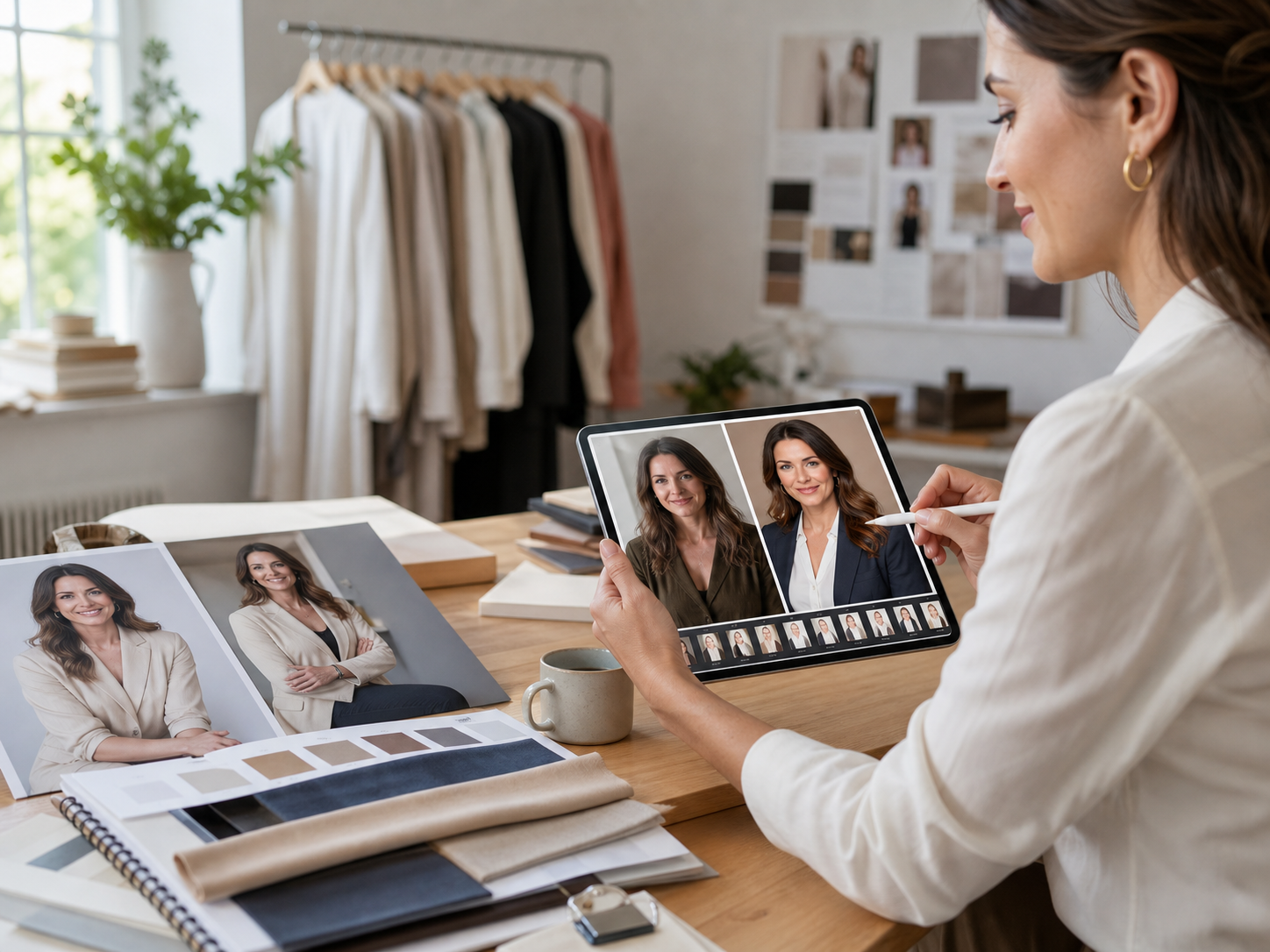
Change lighting, mood, backgrounds, outfits, or visual style to create polished portraits and brand images from existing photos.
Generate different scenes, colors, angles, and creative directions from a single image to support faster ad testing.
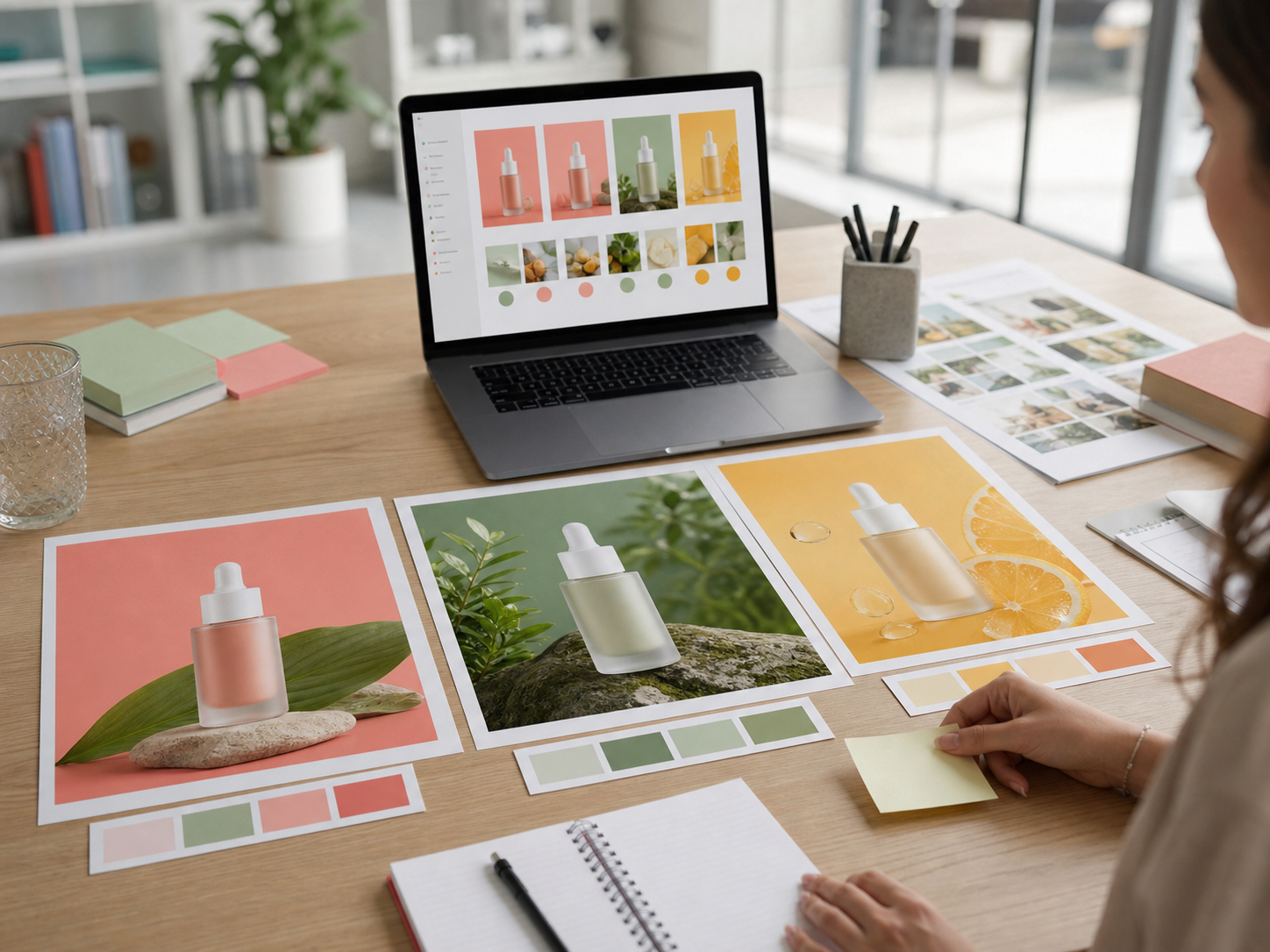
AI image editing is designed for fast iteration: upload a source image, describe the change, generate edits, and refine the result.
Start with a product photo, portrait, campaign graphic, concept image, or any visual you want to improve.
Describe the change you want, such as background replacement, style update, object change, lighting adjustment, or scene expansion.
Select aspect ratio, resolution, model, and output count based on how you plan to use the edited image.
Create edited versions, compare directions, and choose the result that best matches your creative brief.
Adjust your prompt for another pass, or download the edited image for ads, social posts, product pages, and presentations.
AI Image Editor helps teams reuse existing assets, refresh stale visuals, and create more polished images for real production needs.
Improve product photos, swap backgrounds, create lifestyle scenes, and adapt visuals for marketplaces or product pages.
Create multiple campaign looks from one source image for audience testing, seasonal campaigns, and paid social experiments.
Adjust lighting, background, style, and mood for portraits, creator content, avatar images, and team profiles.
Update existing visual assets for landing pages, emails, banners, social posts, and launch campaigns.
Modify compositions, color palettes, environments, and style directions while preserving the original creative structure.
Adapt one image into multiple channel-specific visuals for ads, blogs, social posts, and presentations.
Answers to common questions about prompt-based editing, source images, product edits, image quality, and commercial workflows.
An AI Image Editor is a tool that modifies an existing image based on prompts and settings. You upload an image, describe the edit, and generate a new version.
You can change backgrounds, restyle images, improve product photos, adjust lighting, create variations, modify scenes, and transform visual direction.
No. The workflow is designed for marketers, creators, founders, ecommerce teams, and designers who need fast image edits without complex software.
Yes. It can help improve product presentation, create lifestyle backgrounds, generate campaign variations, and adapt images for product pages.
Be specific about what should change and what should stay the same. Mention background, style, lighting, color, composition, and intended use.
AI editing is designed to use the uploaded image as a source, but results depend on prompt clarity, image quality, and the selected model.
Yes. You can generate different edited directions from the same source image to compare campaign styles, backgrounds, and creative concepts.
Use a clear source image, write a precise prompt, describe what to preserve, and generate several variations before choosing a final result.
Image Preview